Account
Billing & autopay
Upgrade, add days, turn monthly autopay on or off, and find your payments.
Account menu > Plan & billing shows your plan, when it runs until, and every payment. Payments are handled by Razorpay, India's payment gateway; Bizlio never sees your card or bank details.
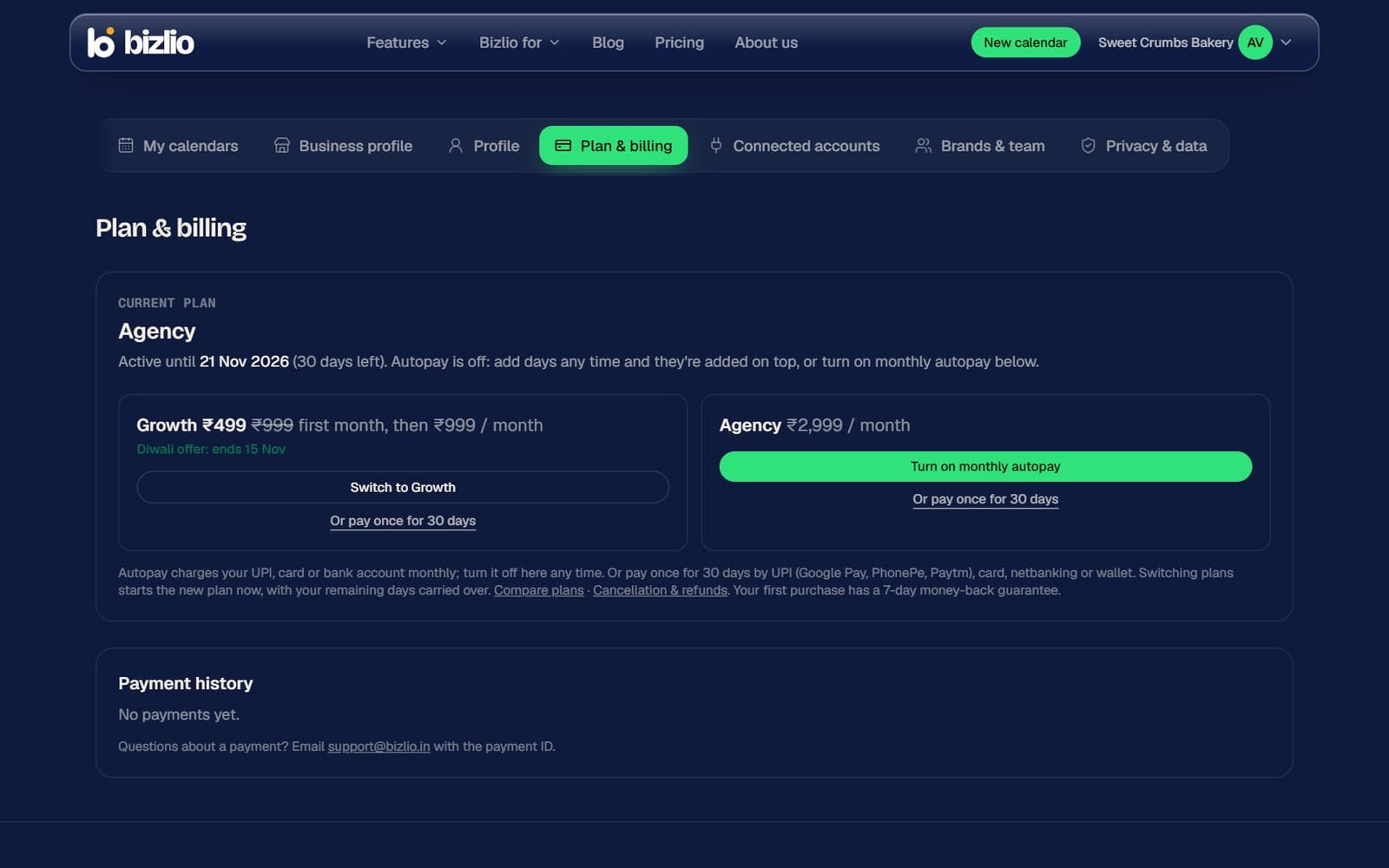
Two ways to pay
Monthly autopay
Your plan renews by itself each month from UPI, card or bank account. Turn it off any time; your plan stays active until the end of the period you paid for.
Pay once for 30 days
By UPI (Google Pay, PhonePe, Paytm), card, netbanking or wallet. Days you add go on top of the days you have left.
Turn off autopay
Click Turn off autopay and confirm. You won't be charged again, and your plan stays active until the date shown.
If an autopay charge fails
Razorpay tries again over the next few days. Check your UPI, card or bank balance.
Receipts and questions
Razorpay emails a receipt for every payment, and Payment history lists each one with its payment ID. For any question about a payment, email support@bizlio.in with the payment ID.
Refunds follow our Refund policy.