Account
Profile & business profile
Your name and language, and the details that describe your business.
Your profile
Account menu > Profile shows your name, email, how you sign in, and your plan. Change your Language here: the app, your emails and new calendars follow it, and you can still choose any language for each calendar's posts.
Business profile
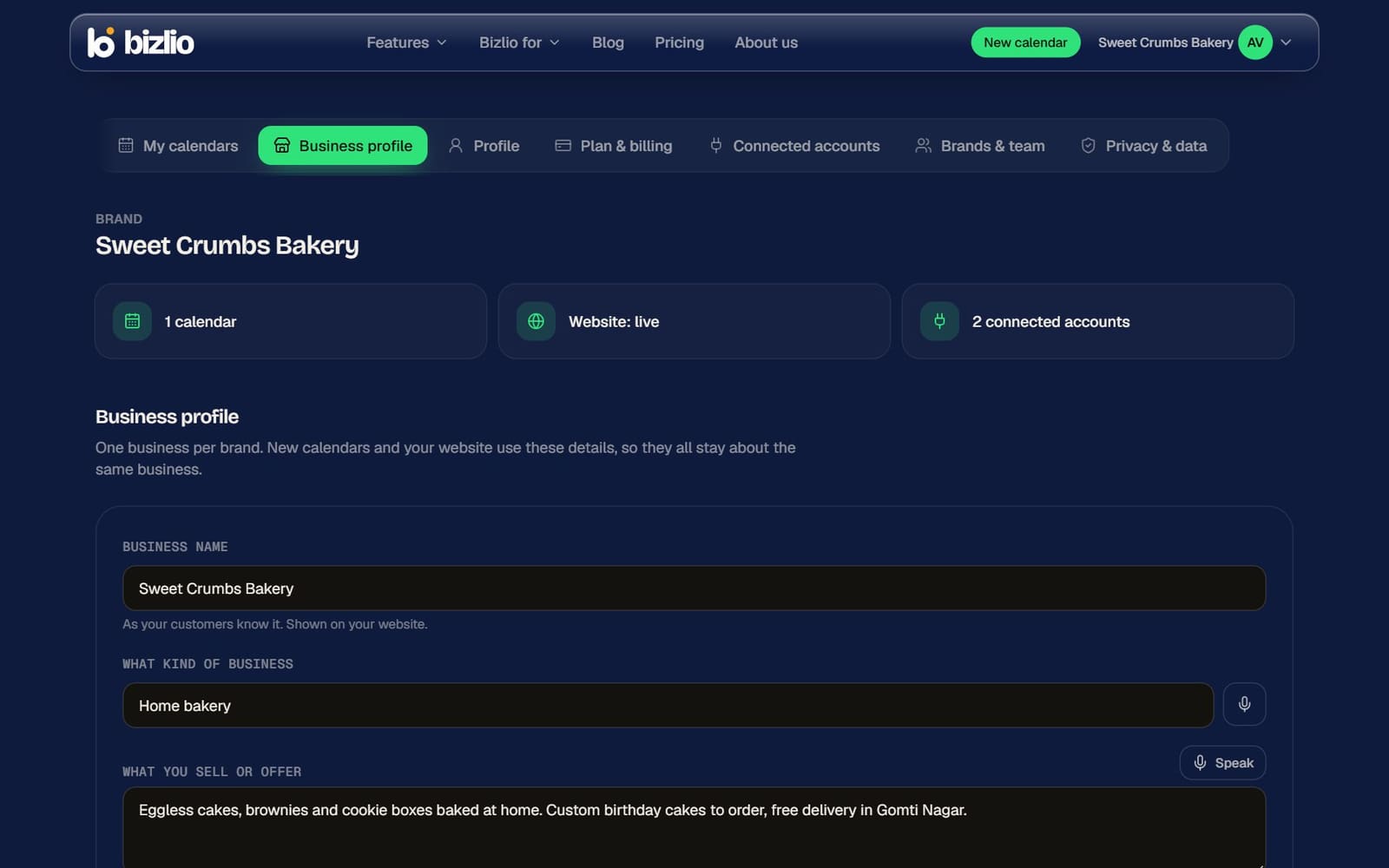
Account menu > Business profile shows the brand you're working in: how many calendars it has, whether its website is live, and its connected accounts, followed by its details:
- Business name: the one name your calendars and website use. Renaming it renames it everywhere.
- What kind of business, What you sell or offer, City / area and Who your customers are: used for your website's style and AI replies to customers.
Only the account owner or a team admin can change the business profile.