Website Maker
Services
List what you do for customers, each with its own page, photos, price and how long it takes.
Services suit salons, clinics, tailors, tutors, photographers and anyone whose work isn't a product on a shelf. Each service gets a card on your home page and its own page with photos and a full write-up.
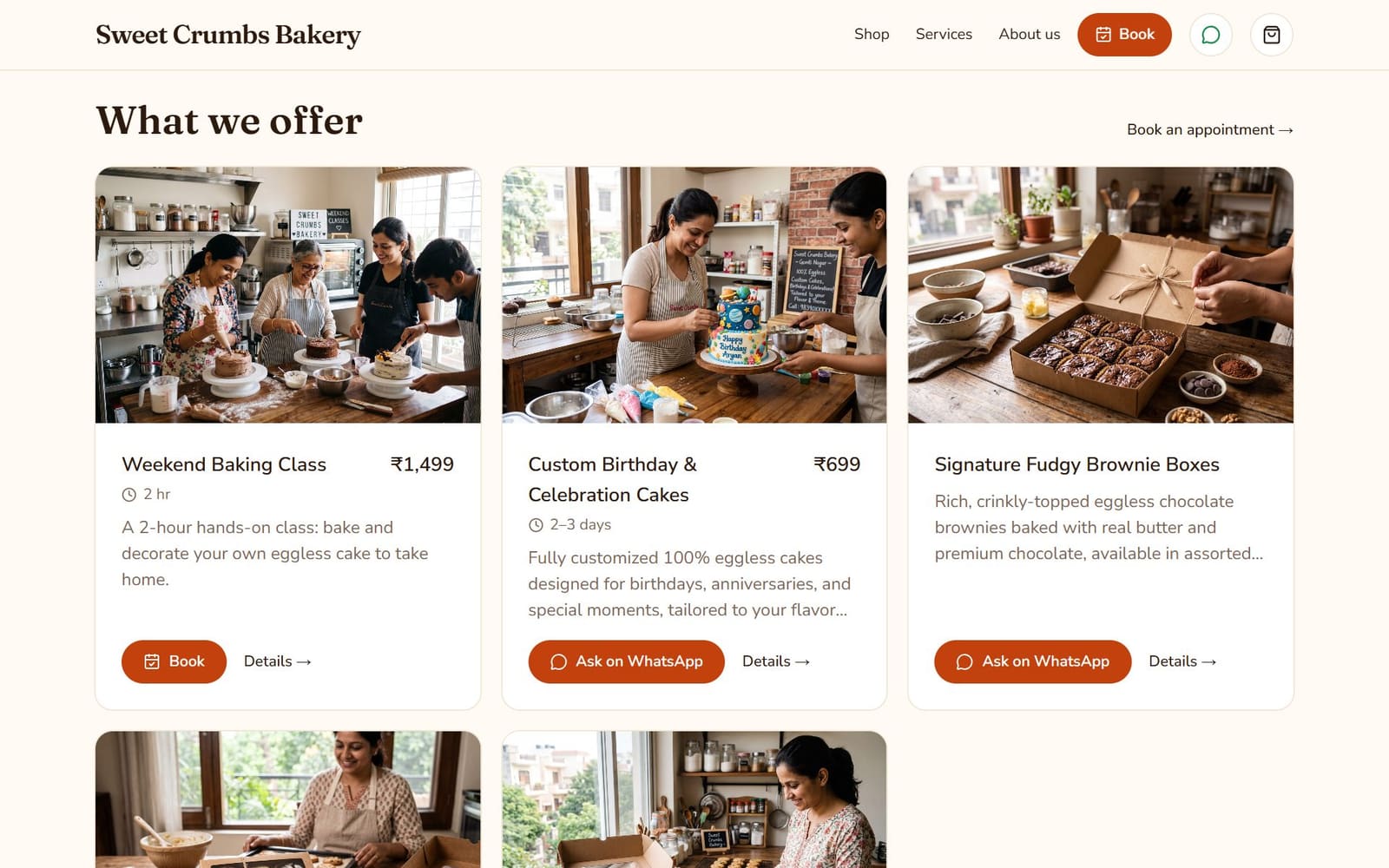
Add a service
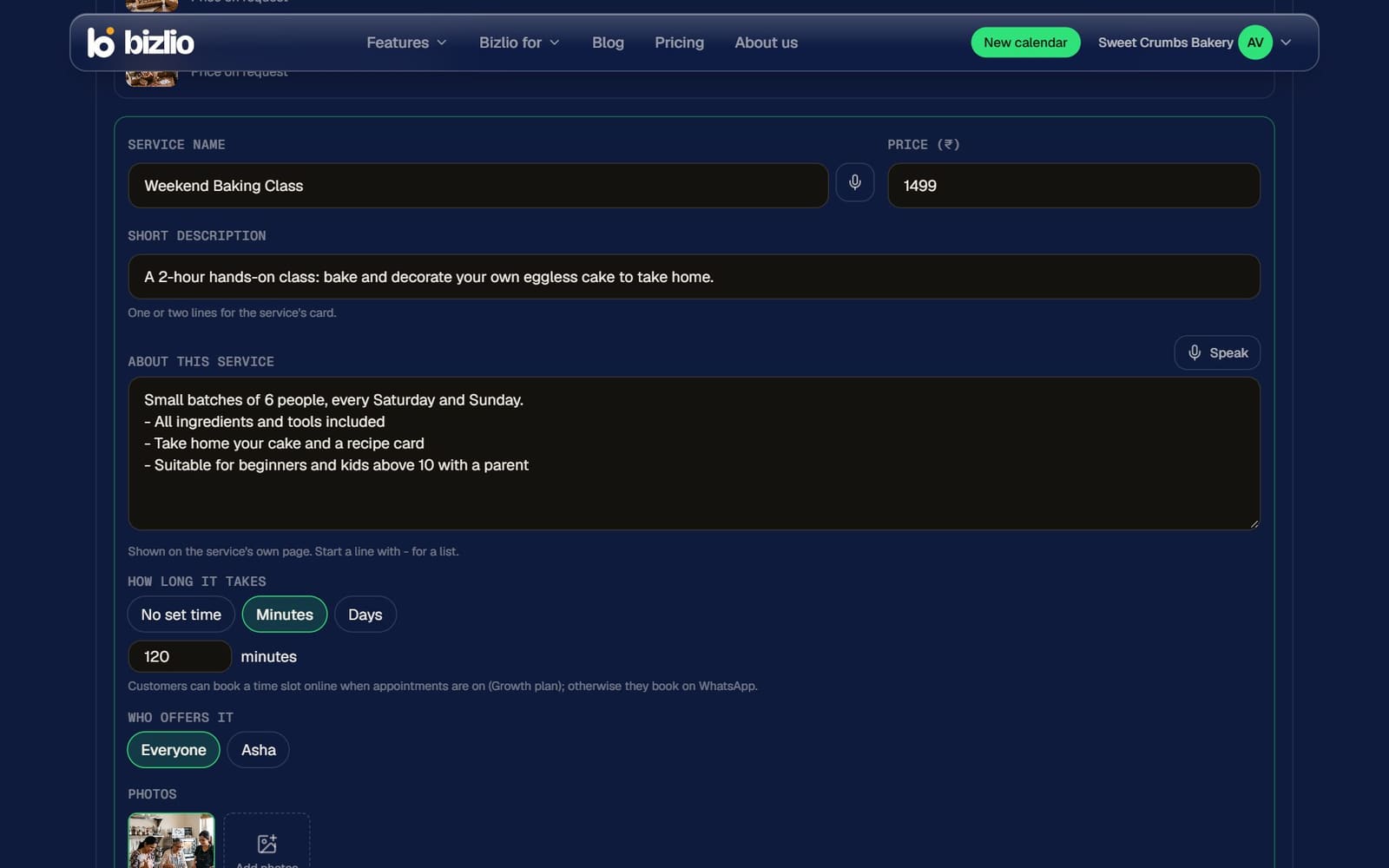
- 1
Click Add service
In Website Maker, under Services.
- 2
Name and price
Leave the price empty for "Price on request".
- 3
Short description
One or two lines for the service's card.
- 4
About this service
The full write-up for its own page: what's included, who it's for, how it works. Start a line with "-" for a list.
- 5
How long it takes
No set time, Minutes or Days (for example 3 to 7 days for stitching).
- 6
Photos
Up to 6: upload your own, or Make a photo with AI on paid plans.
How customers book
| How long it takes | What customers see |
|---|---|
| Minutes, with appointments on (paid plans) | Book: they pick a time online. See Appointments. |
| Minutes, without online booking | Book on WhatsApp, with the service written in. |
| Days, or no set time | Ask on WhatsApp, with the service and its link written in. |
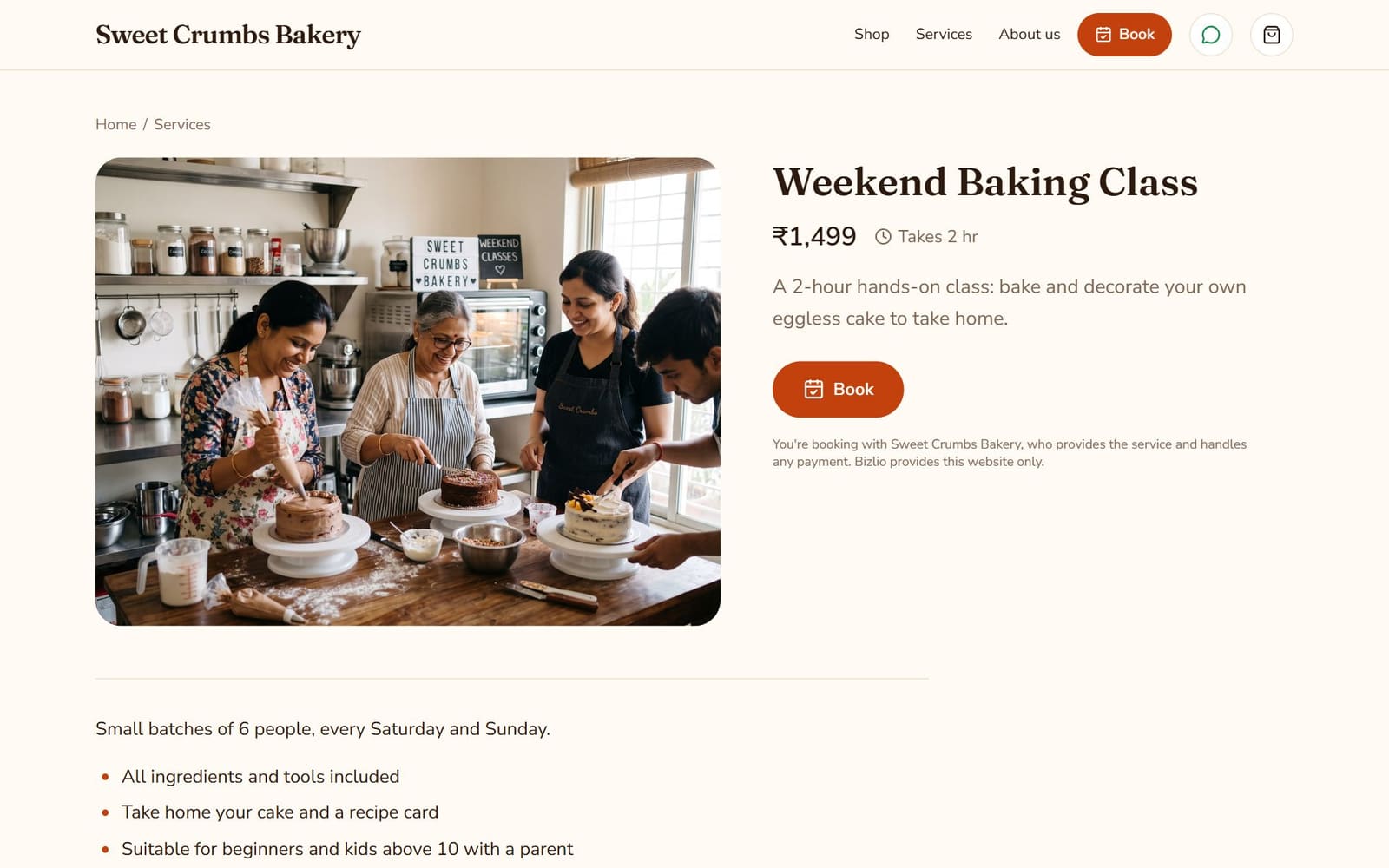
Selling products too? Your website shows both: Shop and Services appear in the header, and the home page has a section for each.
The free plan includes 4 services; paid plans up to 100.