Website Maker
Create your website
A website for your business in minutes, written by AI or by you, at your own shareable address.
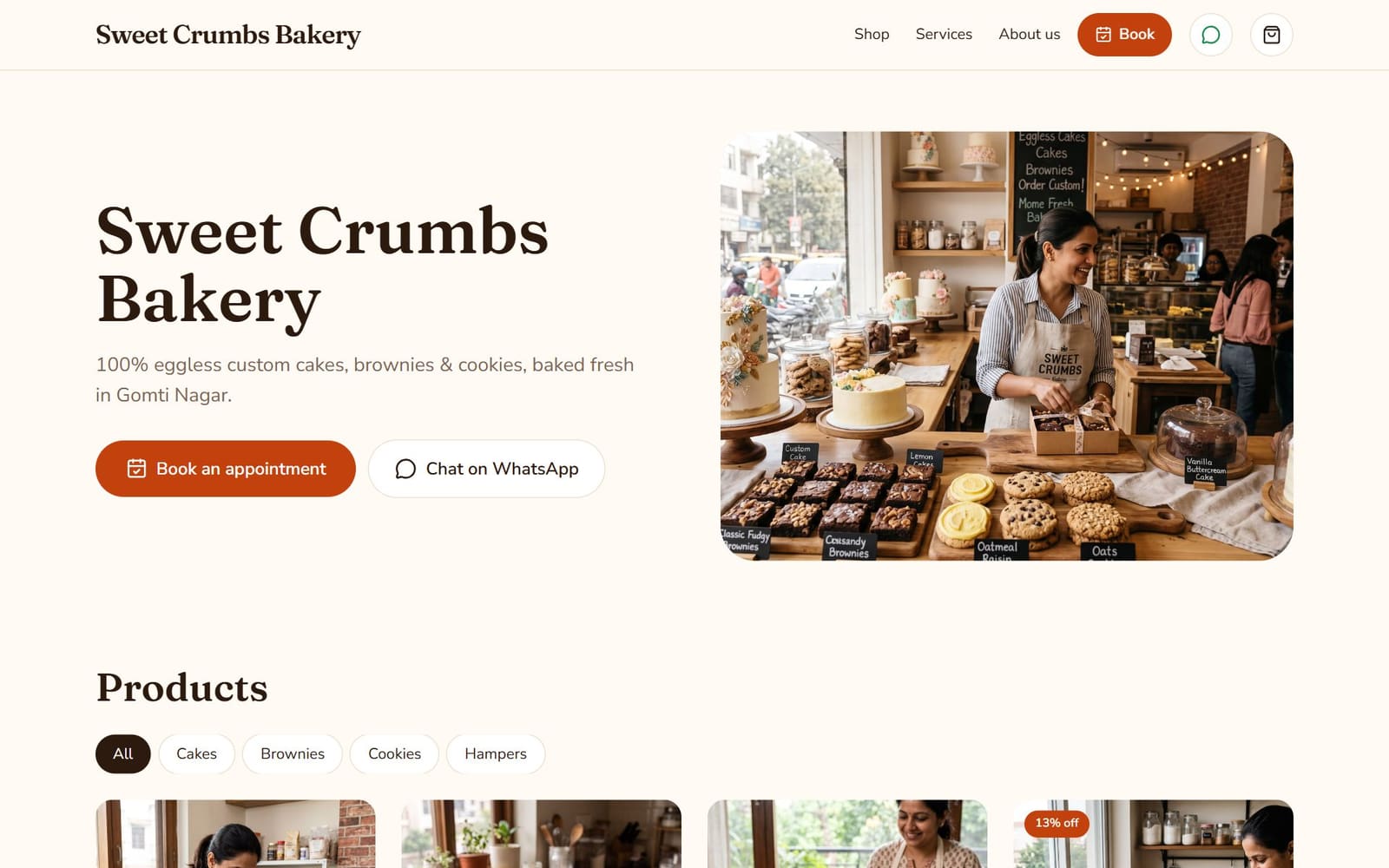
Website Maker gives your business a real website at bizlio.in/sites/your-business: a home page with your story, products and services, a shop page for your Instagram bio, and buttons that send customers to you on WhatsApp. You don't need a content calendar to use it.
Create it
- 1
Open Website Maker
From the menu, choose Website Maker.
- 2
Describe your business
What kind of business it is, what you sell or offer, and your city or area. Add your WhatsApp number so customers can order.
- 3
Choose how to start
Write my website with AI writes your tagline, About text and first services (each with its own page). Start blank lets you write everything yourself.
- 4
Check and edit
Edit the tagline and About text, then Save. Regenerate with AI rewrites the tagline and About text; your services, photos and products stay.
- 5
Publish
Click Publish. The first time, confirm that you're the seller (see below).
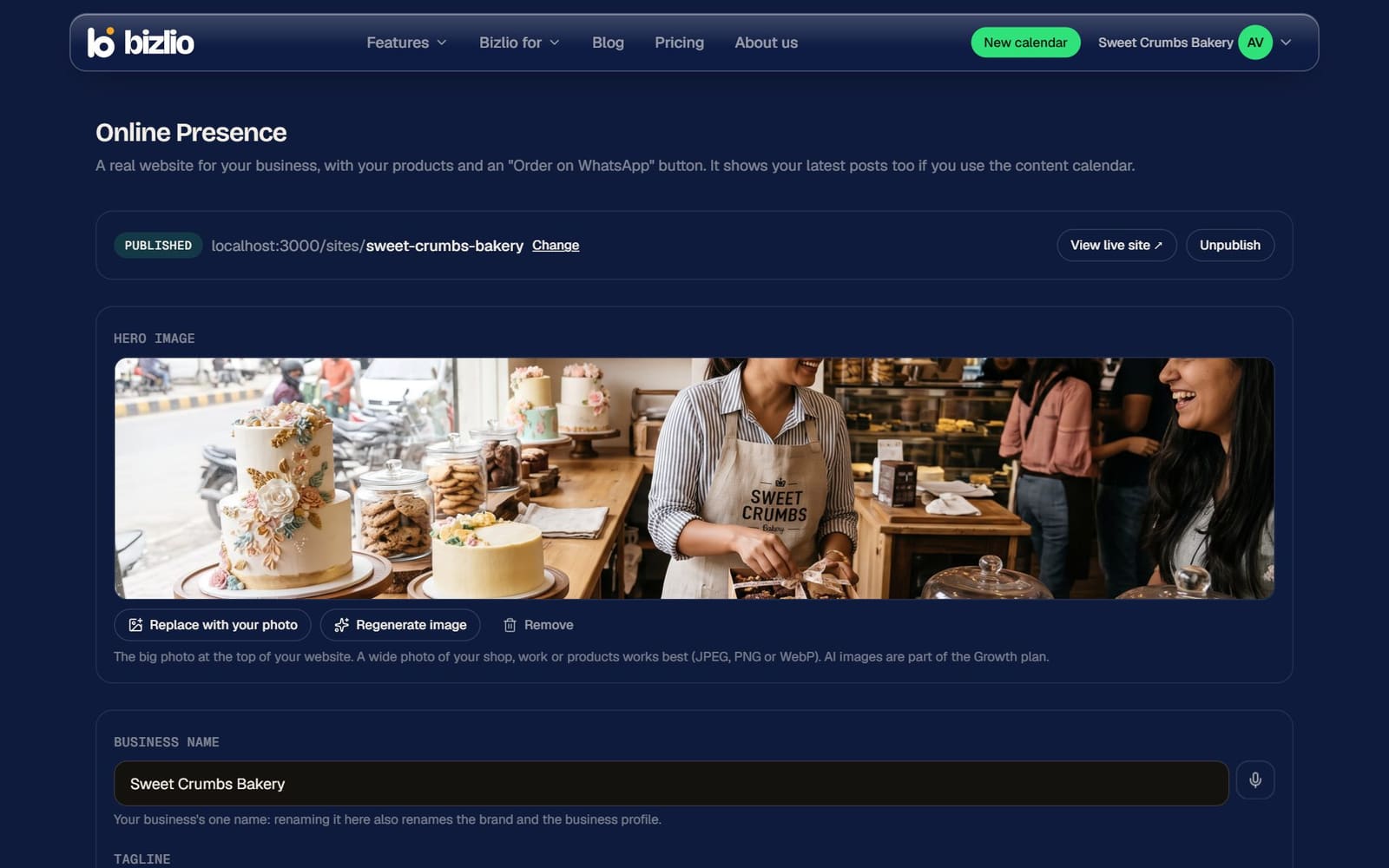
Hero image
The big photo at the top of your website. Click Upload your photo (a wide photo of your shop, work or products works best), or Generate image for an AI image on paid plans. Remove takes it off.
Store style
Choose how your website looks: Boutique, Food & sweets, Handmade & home, Everyday shop or Services. Auto picks the best fit for your type of business.
You're the seller
When you first publish, you confirm that you sell what you list: you handle orders, delivery, payments, returns and refunds, and you follow the law. Bizlio provides the website software and isn't a party to your sales. Your website's footer says so too, with a way for customers to report a store.
Your website keeps your latest Instagram posts in an Instagram-style grid if you use the content calendar, and each post can open the product it shows.